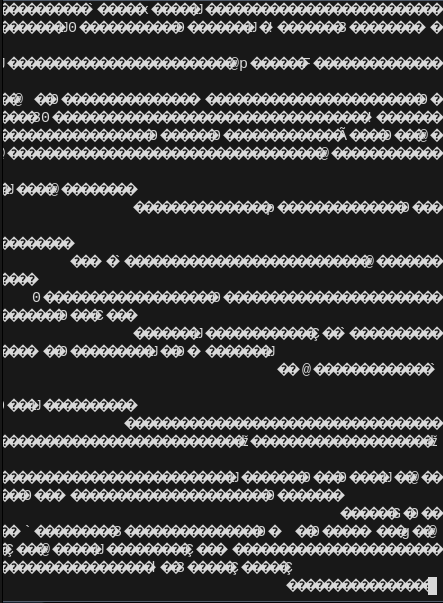
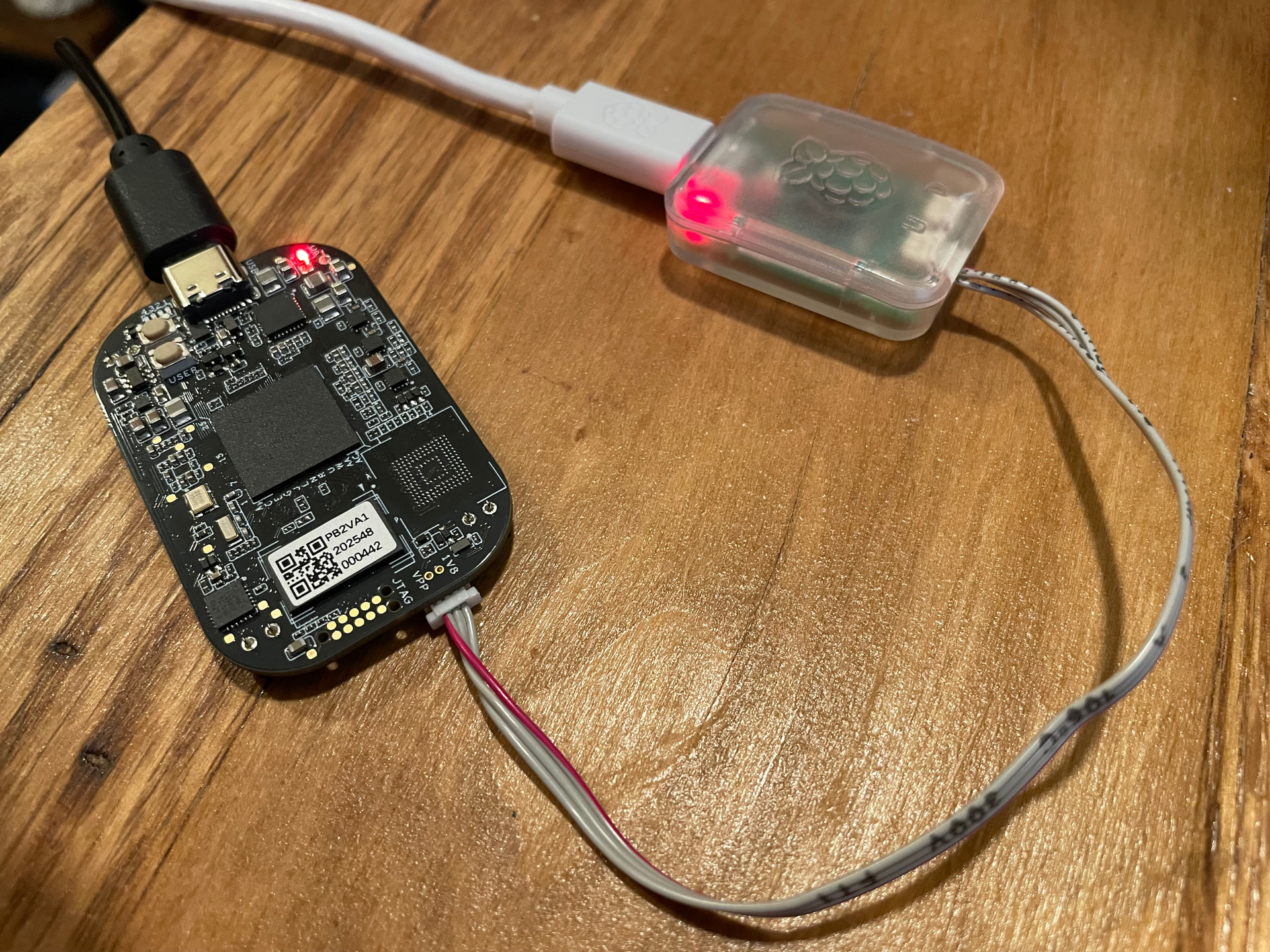
Ugh, thought deleting the last post and replacing it with this one would be cleaner. I was trying to recreate and clarify details with this post in my latest attempt for something that shouldn’t seem like a problem, but is for some reason and doesn’t allow the board to display a u-boot prompt. I just get a lot of junk symbol like output from terminal emulations (photo posted in previous post). I’m pulling my hair out.
Partition one on /dev/sdd (sdd1) is type fat32 known as /dev/ttyACM0 to tio, screen, or minicom and has the following files …
$ ls -l
total 2092
-rwxr-xr-x 1 root root 282738 Jul 7 20:52 tiboot3.bin
-rwxr-xr-x 1 root root 952067 Jul 7 20:52 tispl.bin
-rwxr-xr-x 1 root root 906383 Jul 7 20:52 u-boot.img
… downloaded from this link, Releases · beagleboard/u-boot-pocketbeagle2 · GitHub of this release, v2026.01-am62-pocketbeagle2-11.02.11
For the listing above, I mounted sdd1 to /mnt/usb during which I also ran lsblk to show this:
$ lsblk /dev/sdd
NAME MAJ:MIN RM SIZE RO TYPE MOUNTPOINTS
sdd 8:48 1 3.8G 0 disk
├─sdd1 8:49 1 63M 0 part /mnt/usb
└─sdd2 8:50 1 3.7G 0 part
The 4GB SD card is formatted as follows:
$ sudo fdisk -l /dev/sdd
Disk /dev/sdd: 3.75 GiB, 4026531840 bytes, 7864320 sectors
Disk model: MassStorageClass
Units: sectors of 1 * 512 = 512 bytes
Sector size (logical/physical): 512 bytes / 512 bytes
I/O size (minimum/optimal): 512 bytes / 512 bytes
Disklabel type: dos
Disk identifier: 0x87a6d8e5
Device Boot Start End Sectors Size Id Type
/dev/sdd1 * 2048 131071 129024 63M c W95 FAT32 (LBA)
/dev/sdd2 131072 7864319 7733248 3.7G 83 Linux
My new PB2 boards just came in and those are showing the same problem in the photo above (unable to read the output, junk symbols) so all I can assume is that it’s something with either the binaries that I’ve got on the partition or not understanding exactly which binaries are needed just to get to a u-boot prompt.
Was hoping someone could look over my work.
UPDATE: I used the bb-imager utility to write a Debian image on a 32GB SD card and I’m seeing the 4 user LED’s light up and “appear” to be working by blinking the way I’d normally expect. Yet, it too is outputting the same trash on the terminal console. Starting to wonder if a cable or the Pi debugger is bad.
UPDATE 2: I think I’m starting to see what’s happening.
I was able to get an image with bb-imager working which I used to write a Debian image onto a 32GB card and noticed it creates two /dev/ttyACMx devices. /dev/ttyACM0 when I plug the Pi debugger in, and then only when the kernel boots does it create /dev/ttyACM1 which requires that I have the terminal emulator connected to that device (ttyACM1, not ttyACM0). Then I’m seeing text come through the terminal properly.
So … on my image, as I only have what should get me to a u-boot prompt and because I don’t have the kernel or rootfs loaded yet, I’m thinking maybe I won’t be able to get a u-boot prompt from the only ttyACM0 (at this point) … which seems strange. I guess I’ll have to get the kernel and the rest of the rootfs together with the goal of getting /dev/ttyACM1 created before I can properly see output in the console.
Will now do some testing as to why I have a Pi debugger.
Thoughts on any of this?