Hi @jagdish_singh , I’ll try this out but when I just checked with claude and ended up finding few things .
- I don’t think the issue is with just software , the issue is in hardware . Measured the reading in J1 pins 1 to 6 got 0V in all pins , and in different test points across the board from TP1 to TP9 below are the readings
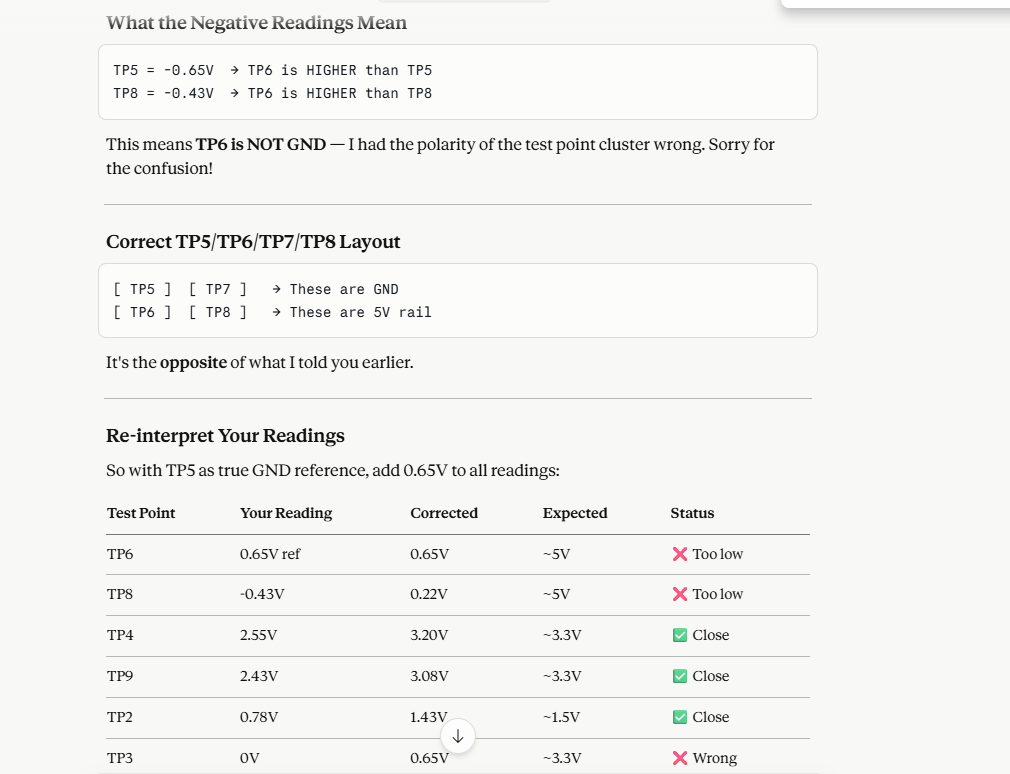
miniusb connected to laptop , tp6 is black probe/GND
tp1 -0.42
tp2 0.78
tp3 0
tp4 2.55
tp5 -0.65
tp7 1.60
tp8 -0.43
tp9 2.43
- Tried to use P24 and P26 and P1 as GND as they too are UART , that too didn’t help .
I think some connection which I have tried out may caused a short circuit . As of now PMIC is working and board is powering up .
Is there a way I can confirm which exact point got short circuited and can it be fixed by re-soldering ? Is there any service companies that could help on checking the board (I’m a beginner guys ) , tried beaglebone RMA too haven’t got any response .
Apologies @amf99 for delayed response 