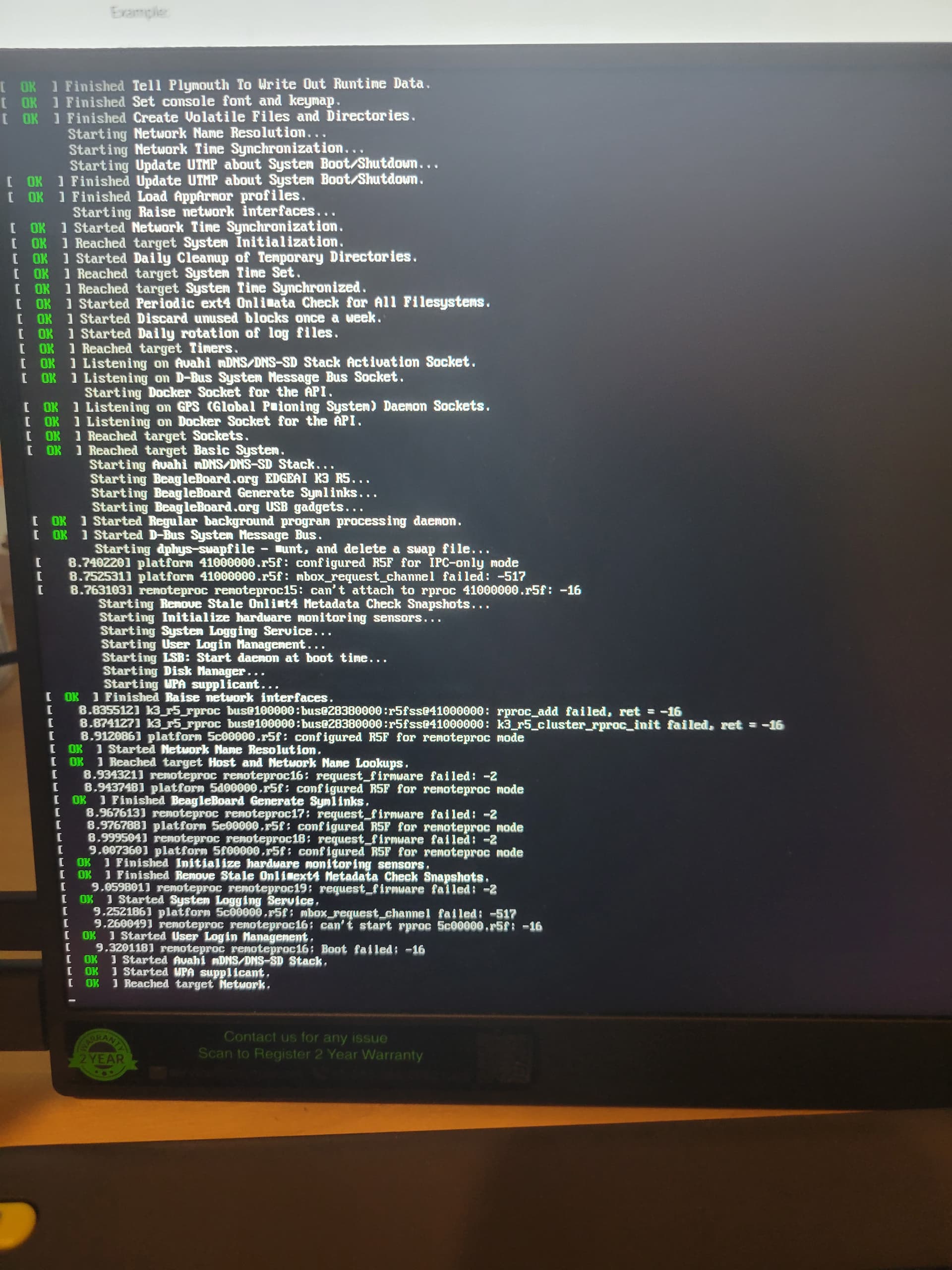
I recently received a BeagleBone AI-64. I am setup as standalone with display and keyboard/mouse. I went through the Quick Start Guide Update software and Update U-Boot sections at Quick Start Guide — BeagleBoard Documentation. After sudo reboot at the end of the Update U-Boot section, I got nothing on reboot, except a flashing cursor in the upper left of my display. I’m not sure what happened. Maybe I got some of the update commands out of sequence.
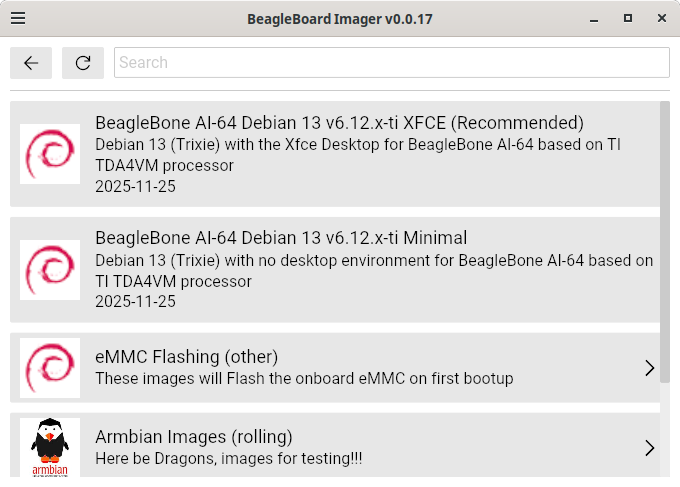
I’m just trying to get back to a stable Debian 11 image. I tried flashing a couple images (BBAI64 11.8 2023-10-07 10GB eMMC TI EDGEAI Xfce Flasher and BeagleBone AI-64 Rev B1). In both cases, I can successfully flash from SD card, power down, remove SD card, power up and boot up into the desktop. After this in both cases, after sudo apt update; sudo apt upgrade, I get a boot failure on sudo reboot. Maybe I am missing or misunderstanding some instructions.
Can anyone suggest an image for Debian 11 on BeagleBone AI-64 and instructions I may be missing to avoid the boot failure after sudo apt update; sudo apt upgrade; sudo reboot?
Thank you.
The uploaded picture is my display on boot failure of BBAI64 11.8 2023-10-07 10GB eMMC TI EDGEAI Xfce Flasher.