1.0.17 got tagged a few moments ago, Release 1.0.17 · beagleboard/bb-imager-rs · GitHub this release has a couple new features.. One is an included sbom link.
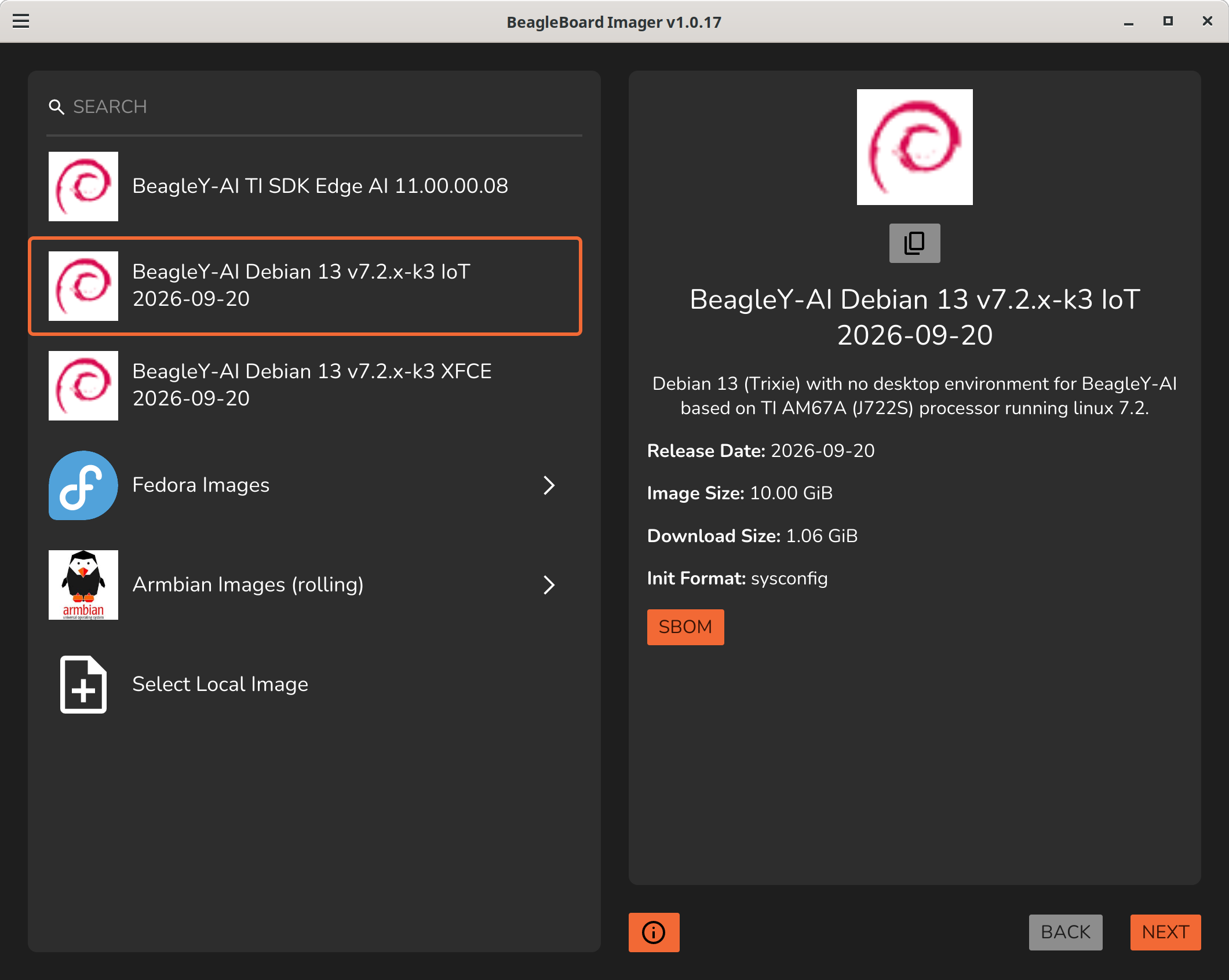
These image are archived/hosted on GitHub - beagleboard/sbom-archive · GitHub They utilize an extended rpi-imager json format:
"sbom": "https://raw.githubusercontent.com/beagleboard/sbom-archive/refs/heads/main/sbom/beagley-ai-debian-13.7-iot-v7.2-k3-arm64-2026-09-20-10gb.syft.spdx.json.xz",
The format was generated via: GitHub - anchore/syft: CLI tool and library for generating a Software Bill of Materials from container images and filesystems · GitHub
and can be decoded by end users via: Releases · anchore/grype · GitHub
Usage, download the sbom you need:
unxz *.syft.spdx.json.xz
Then run grype on it:
grype *.syft.spdx.json --output table > table.txt
Then enjoy:
 ✔ Vulnerability DB                [updated]
 ✔ Scanned for vulnerabilities     [5724 vulnerability matches]
   ├── by severity: 441 critical, 2314 high, 1158 medium, 110 low, 1191 negligible (2134 unknown)
   └── by status:   580 fixed, 6766 not-fixed, 1622 ignored
Some packages like linux-cpupower and libcpupower1 get tied into kernel level vulnerability even thou we only use cpufreq from it..
you can ignore packages with:
cat .grype.yaml
ignore:
  - package:
      name: linux-cpupower

  - package:
      name: libcpupower1
RPI has another tool to read these json files that adds even more features, GitHub - raspberrypi/cve-list: Render grype JSON scans into single-file, interactive HTML CVE reports · GitHub i’m still testing it.
Regards,