@RobertCNelson back inn August 2025, I asked for the best stable kernel version for the BeagleBone Black. I was suggested to use 5.10.x-ti due to ongoing work on 6.1.x/6.6.x/6.12.x/mainline which was the correct choice.
Recently, I noticed an SSH warning about the lack of a post-quantum key exchange algorithm. I want to address this before field tests, as remote updates on small devices are challenging.
I assume there’s no upgrade on 5.10.x-ti to update OpenSSH, and most effort is likely going into newer Debian 13.
Can you please clarify where BB Black Debian 13.4 (v6.19.x) or (v6.18.x) aligns with basic feature set?
The I/O is different from 5.10.x-ti, so I want to get your thoughts before proceeding.
Our basic requirements are Ethernet, Wi-Fi (with pre-wired adapter drivers), LCD cape with GPIO, PWM, and I2C.
Are they any suggestions a device that will be installed in the field for several years?
We have Debian 13 based image with 5.10.x-ti kernel…
Considering TI left 5.10.x-ti around 5.10.168, and the mainline 5.10.x branch is at 5.10.253.
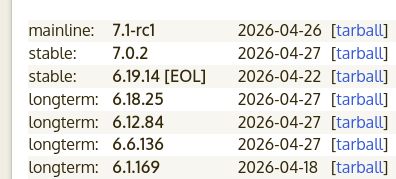
Honestly, start looking at the 6.18.x-bone branch, and lets work down the list of problems you find as you port over.. (it’s an lts branch and supported too Dec 2028)
Thanks Robert. I was thinking of 6.19.x-bone branch, is this later version in too bleeding edge today? I would prefer something to give some life but not break the camels back .
and to be fair, i had put the “(Stable)” label on the 6.19.x image.. What i meant was non-lts, kernel.org “stable”.. as it wasn’t 7.x-rcX terminology… i’ve removed that mistake going forward!!!
check your serial log, u-boot is suppose to detect it, and force it load..
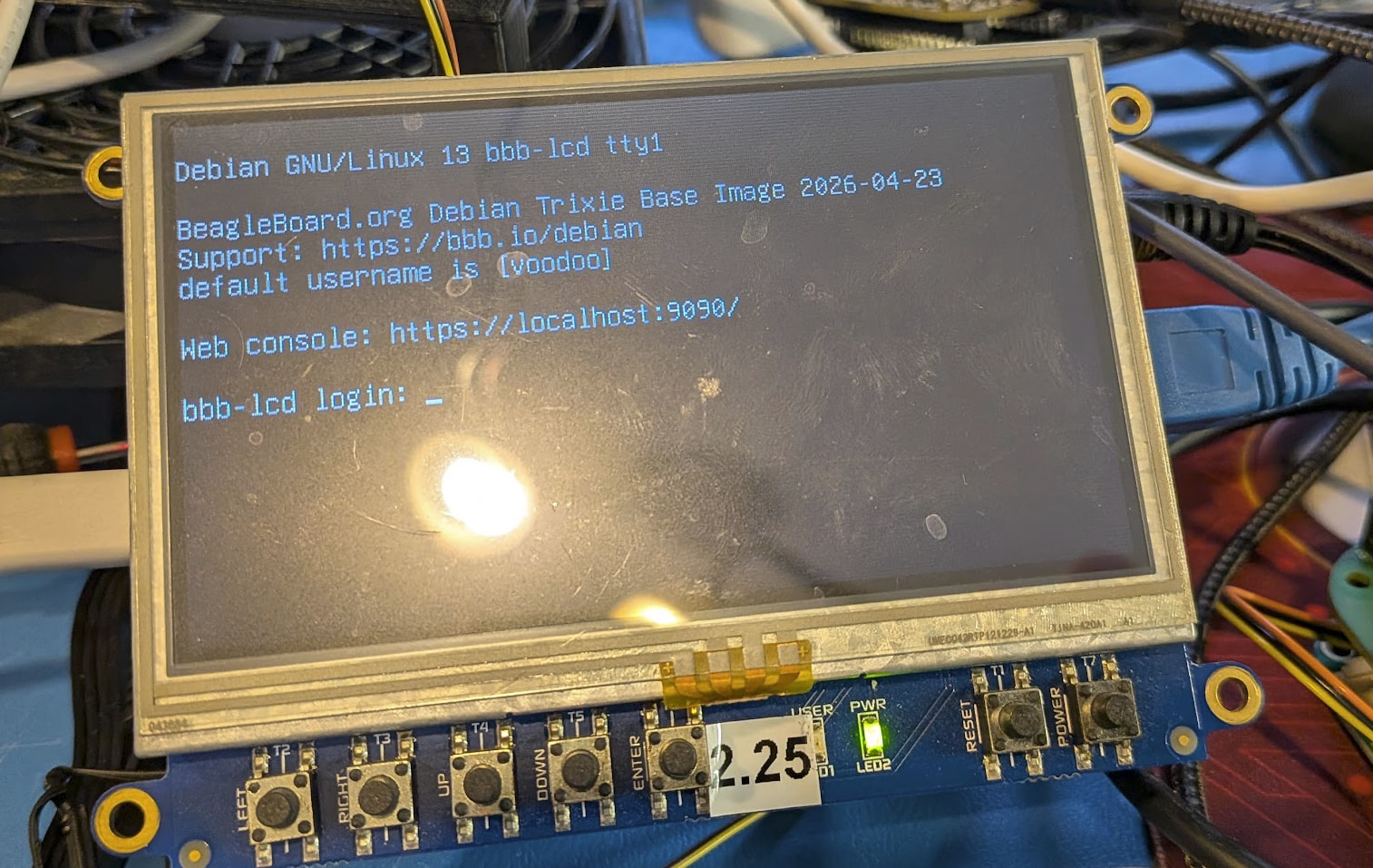
i found my ‘touch-version’ please share your serial bootup:
BeagleBone Black:
BeagleBone Cape EEPROM: found EEPROM at address: 0x54
BeagleBone Cape EEPROM: debug part_number field:[BB-BONE-LCD4-01.]
debug: fixup, extra . in eeprom field
BeagleBone Cape EEPROM: debug part_number field HEX:[42422d424f4e452d4c4344342d3031]
BeagleBone Cape EEPROM: debug version field HEX:[30304131]
BeagleBone Cape EEPROM: 0x54: BB-BONE-LCD4-01-00A1.dtbo [0xfe93c1f]
BeagleBone Cape EEPROM: no EEPROM at address: 0x55
BeagleBone Cape EEPROM: no EEPROM at address: 0x56
BeagleBone Cape EEPROM: no EEPROM at address: 0x57
I don’t currently have access to the serial port but I did get it working.
My plan on decompiling my working dtbo file and recompiling did not work, so I ended up downloading overlay from devicetrees and modified to remove buttons then did a compile/build using cpp -nostdinc -undef -x assembler-with-cpp -I/usr/src/linux-headers-6.18.23-bone28/include BB-BONE-LCD4-01-00A1-mod.dtso | dtc -W no-unit_address_vs_reg -O dtb -o BB-BONE-LCD4-01-00A1.dtbo - and copied sudo cp BB-BONE-LCD4-01-00A1.dtbo /boot/dtbs/6.18.23-bone28/overlays/ to install.
Now on to the Audio Cape…. and then I2C for watchdog - fun and games
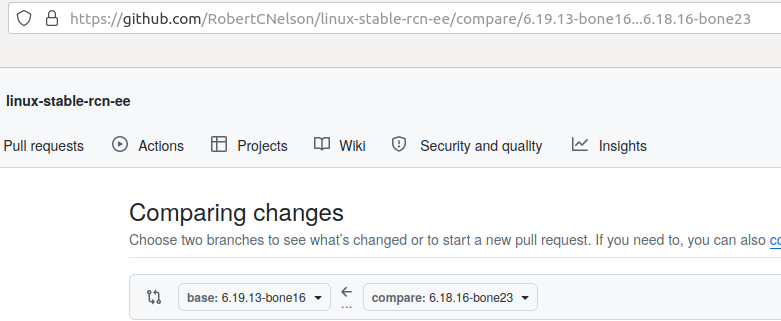
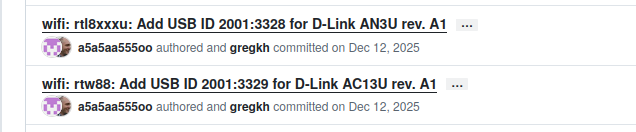
Why would they abandon the upgrades in the 6.19 branch? Does 6.18.x even have the updated rtw88_8821cu driver? Seems this is why I moved to the next kernel. 6.18.x would not work. I don’t understand how these versions and numbering system works.
If you have the bbb.io-kernel-6.18-bone meta package (installed by default):
voodoo@23-am335x-bbb:~$ sudo apt show bbb.io-kernel-6.18-bone
Package: bbb.io-kernel-6.18-bone
Version: 1.20260428.1-0~trixie+20260428
Priority: optional
Section: metapackages
Source: bbb.io-kernel
Maintainer: Robert Nelson <robertcnelson@gmail.com>
Installed-Size: 7168 B
Pre-Depends: linux-image-6.18.25-bone30
Depends: bbb.io-kernel-tasks
Recommends: libpruio-modules-6.18.25-bone30, rtw88-modprobe-conf, rtw88-modules-6.18.25-bone30
Download-Size: 1292 B
APT-Sources: https://rcn-ee.com/repos/debian-trixie-armhf trixie/main armhf Packages
Description: BeagleBoard.org 6.18-bone for am335x (meta-package)
 This package depends on the latest Linux 6.18-bone kernel and modules
 for use on 32-bit am335x ARMv7 machines.
Here is what happened to me,
I was running the 6.18.x kernel with an older USB wifi adapter. Everything was fine. I ordered some new adapters, same brand and manufacturer. When I tried to use them, they did not work. That’s when I upgraded my kernel. The new rtw88_8821cu worked with the new adapters. So seems there was a hardware update that broke the old software driver. Seems fixed now though.
Although on reboot startup, occasionally, I get some fatal errors. Seems this is due to the adapter hardware not getting reset properly. It rarely happens, but I may look into it when I get some time. The rtw88_8821cu driver should reset the hardware on shutdown and reboot. Something is still not perfect here.

 .
.