For some of us, this is a long time coming, ever since the first Omap3 Beagle was launched back in 2008..
We have an Open Graphics acceleration stack.. (while it’s only Vulkan today, more is coming)…
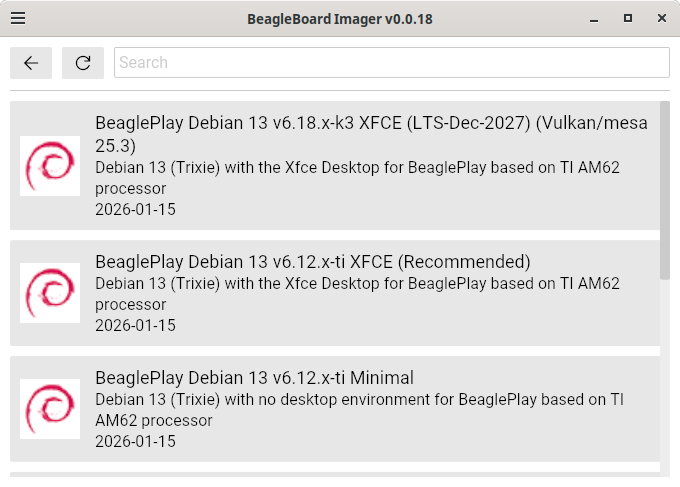
Out of the box, mesa 25.3.3 is installed.. Only Vulkan works, OpenGL is relying on future zink changes..
Broken Display…
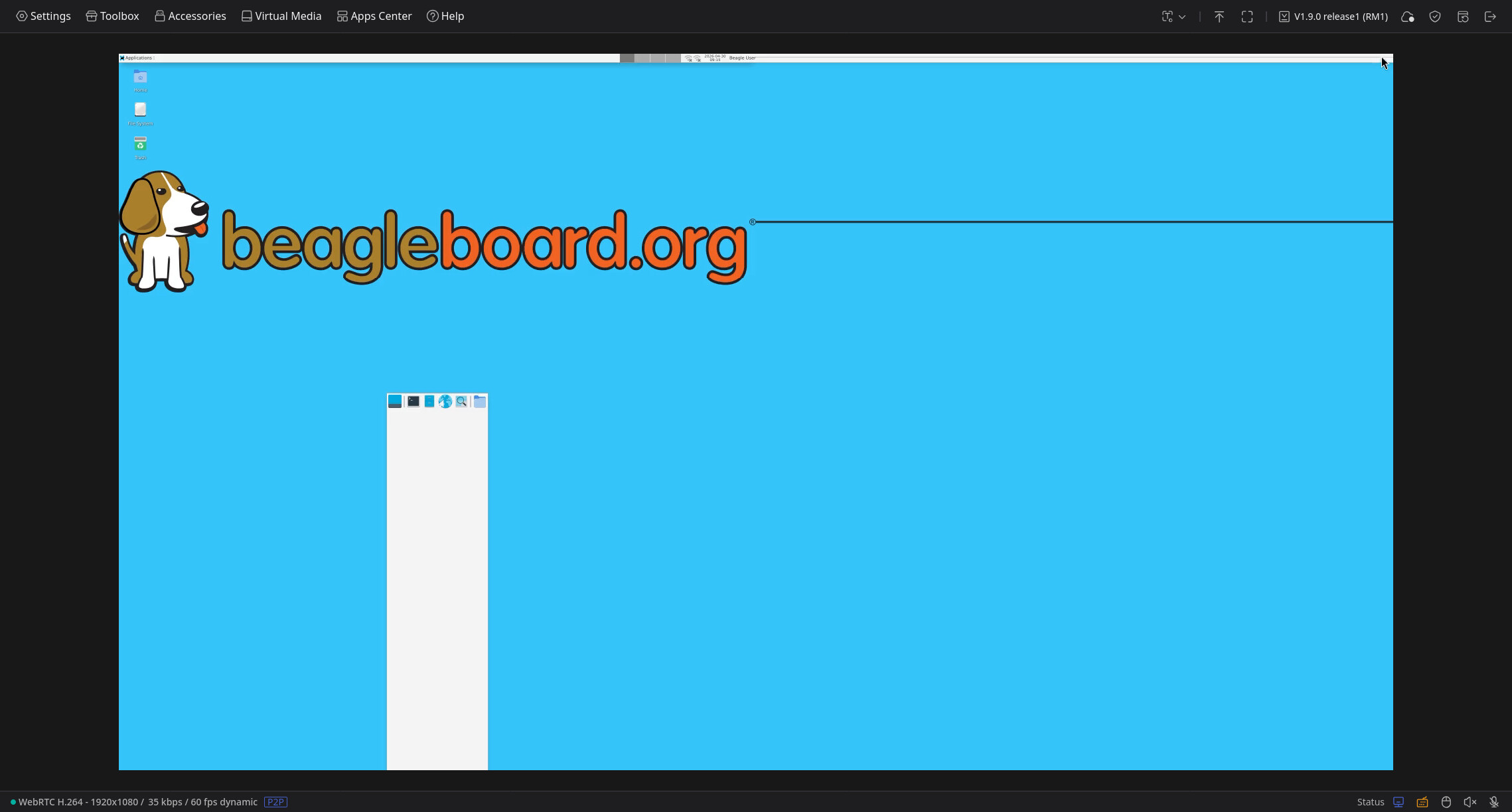
sudo nano /etc/X11/xorg.conf.d/20-noglamor.conf
Section "Device"
    Identifier "Card0"
    Driver     "modesetting"
    Option     "AccelMethod" "none"
EndSection
daily mesa 26.0/branch builds
Builds: Jobs · beagle-pkgs / ci-debian-13-mesa-26.0 · GitLab
- Setup
sudo sh -c "echo 'deb [trusted=yes] https://beagle-pkgs.gitlab.io/ci-debian-13-mesa-26.0 stable main' > /etc/apt/sources.list.d/mesa.list"
- Update
sudo apt update ; sudo apt-get dist-upgrade -y
daily mesa 26.1/branch builds
26.1.0-rc1 desktop is messed up:
sudo nano /etc/X11/xorg.conf.d/20-noglamor.conf
Section "Device"
    Identifier "Card0"
    Driver     "modesetting"
    Option     "AccelMethod" "none"
EndSection
Builds: Jobs · beagle-pkgs / ci-debian-13-mesa-26.1 · GitLab
- Setup
sudo sh -c "echo 'deb [trusted=yes] https://beagle-pkgs.gitlab.io/ci-debian-13-mesa-26.1 stable main' > /etc/apt/sources.list.d/mesa.list"
daily mesa 26.2/main builds
As this is main, it can break from time to time..
Builds: Jobs · beagle-pkgs / ci-debian-13-mesa-26.2 · GitLab
sudo nano /etc/X11/xorg.conf.d/20-noglamor.conf
Section "Device"
    Identifier "Card0"
    Driver     "modesetting"
    Option     "AccelMethod" "none"
EndSection
- Setup
sudo sh -c "echo 'deb [trusted=yes] https://beagle-pkgs.gitlab.io/ci-debian-13-mesa-26.1 stable main' > /etc/apt/sources.list.d/mesa.list"
- Update
sudo apt update ; sudo apt-get dist-upgrade -y
BeagleBoard’s Debian repo Kernel Updates
- 20260212: v6.18.x-k3 (lts) and v6.19.x-k3 (stable)
BeagleBoard’s Debian repo mesa Updates
- 20260207: 25.3.3 → 26.0.0~rc3 (Drop 25.3 ci builder..)
- 20260213: 26.0.0~rc3 → 26.0.0 : Mesa 26.0.0 Release Notes / 2026-02-11 — The Mesa 3D Graphics Library latest documentation
- 20260227: 26.0.0 → 26.0.1 : Mesa 26.0.1 Release Notes / 2026-02-25 — The Mesa 3D Graphics Library latest documentation
- 20260315: 26.0.1 → 26.0.2 : Mesa 26.0.2 Release Notes / 2026-03-12 — The Mesa 3D Graphics Library latest documentation
- 20260321: 26.0.2 → 26.0.3 : Mesa 26.0.3 Release Notes / 2026-03-18 — The Mesa 3D Graphics Library latest documentation
- 20260403: 26.0.3 → 26.0.4 : Mesa 26.0.4 Release Notes / 2026-04-01 — The Mesa 3D Graphics Library latest documentation
- 20260415 (26.1 branched, 26.2 now main)
- 20260416: 26.0.4 → 26.0.5 : Mesa 26.0.5 Release Notes / 2026-04-15 — The Mesa 3D Graphics Library latest documentation
- 20260430: 26.0.5 → 26.0.6 : Mesa 26.0.6 Release Notes / 2026-04-29 — The Mesa 3D Graphics Library latest documentation