I broke my board. So, I rebooted into a new”er” image and it works again. yay!
Outside of that idea… How am I supposed to know what exact header pin is the PWM pins that are available due to Linux?
I was going to read some oscilloscope messages and use a LED for testing. I have some source code that I derived a while back. I want to test it but the Max_Botix sensor is missing for now.
Update
I tried to do something that made no sense. I thought I could symbolically run a PWM script without PWM input to the BeagleV-Fire and receive some type of output on the oscilloscope. Blah. I am silly for it.
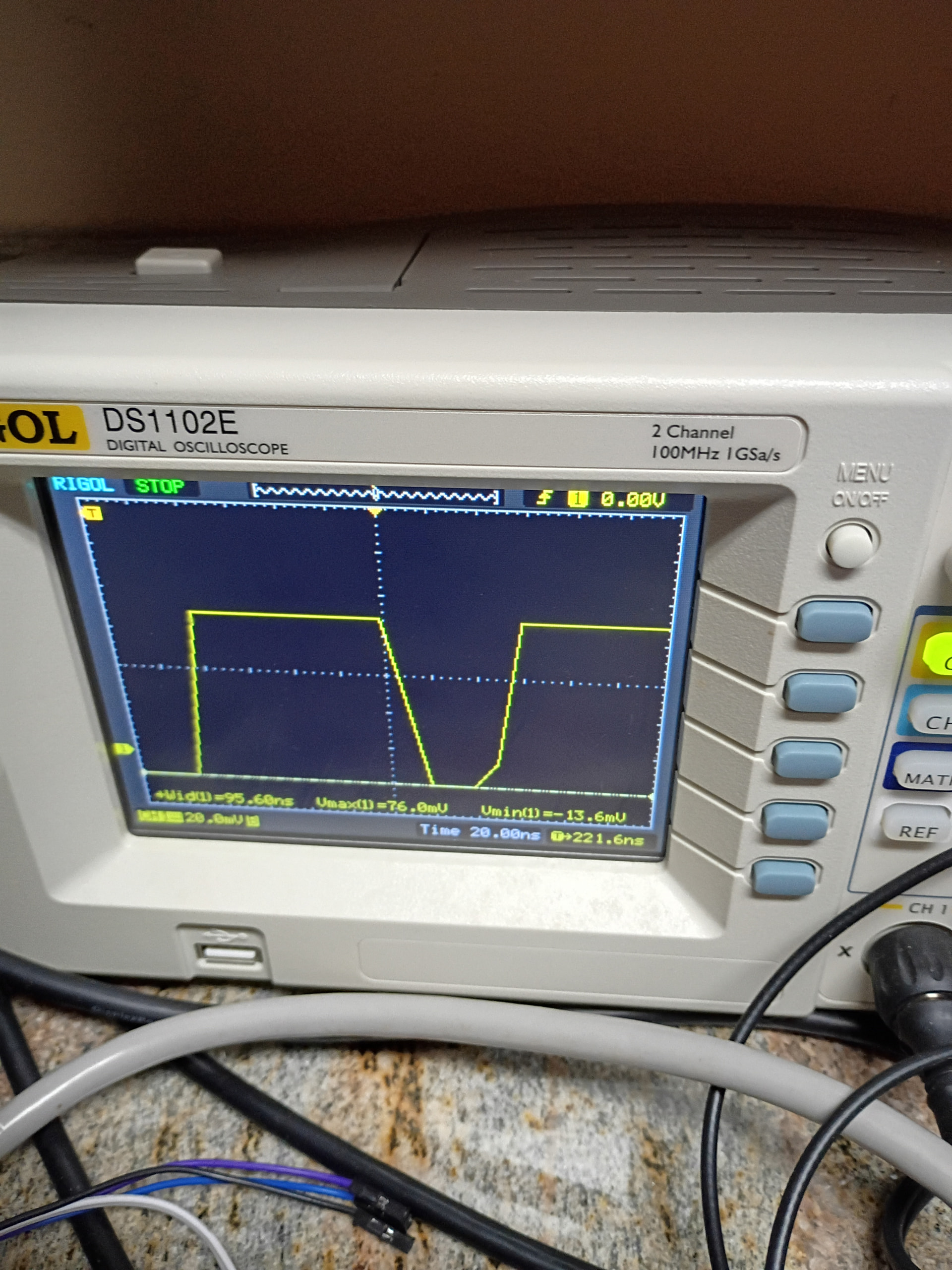
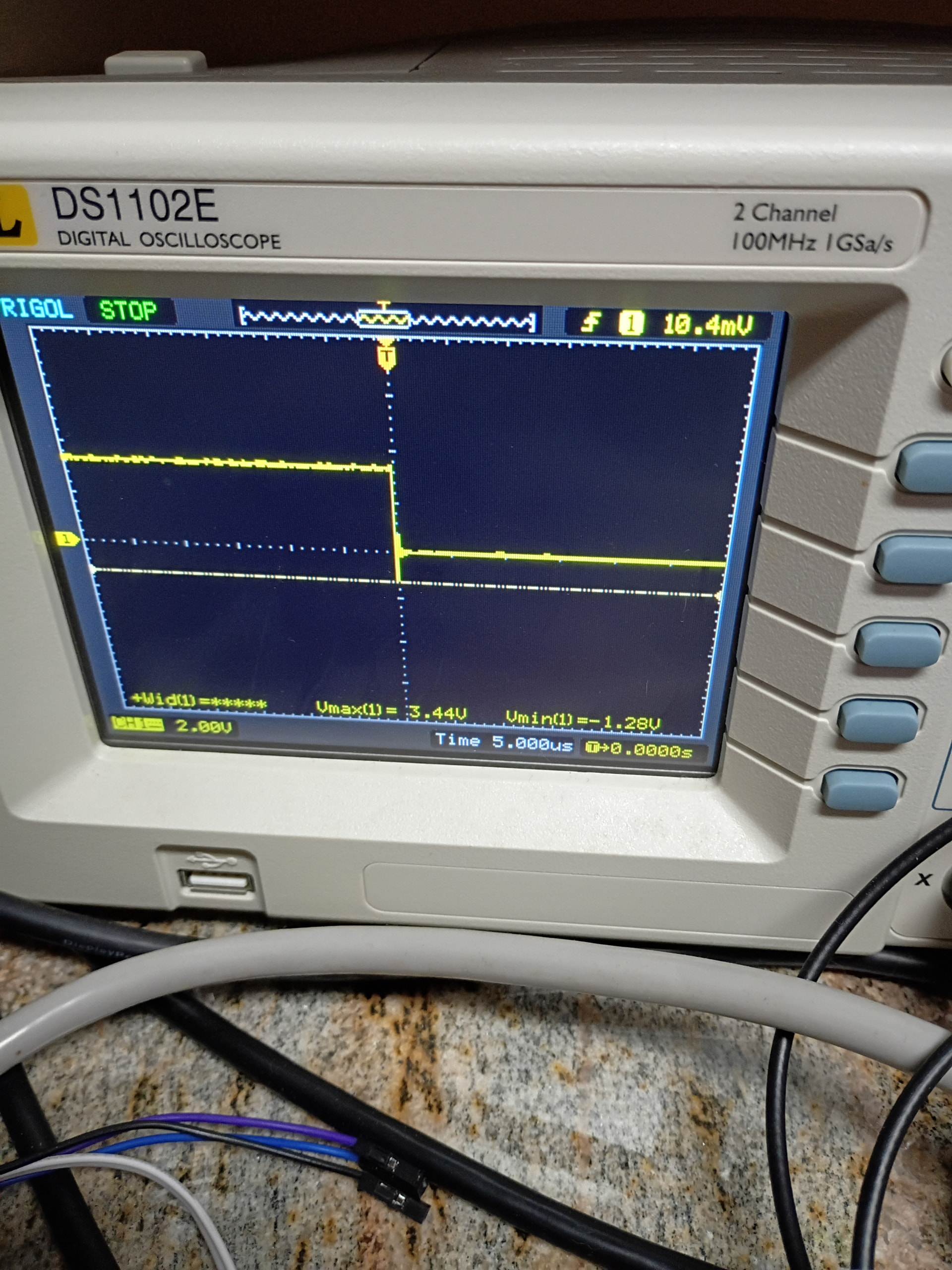
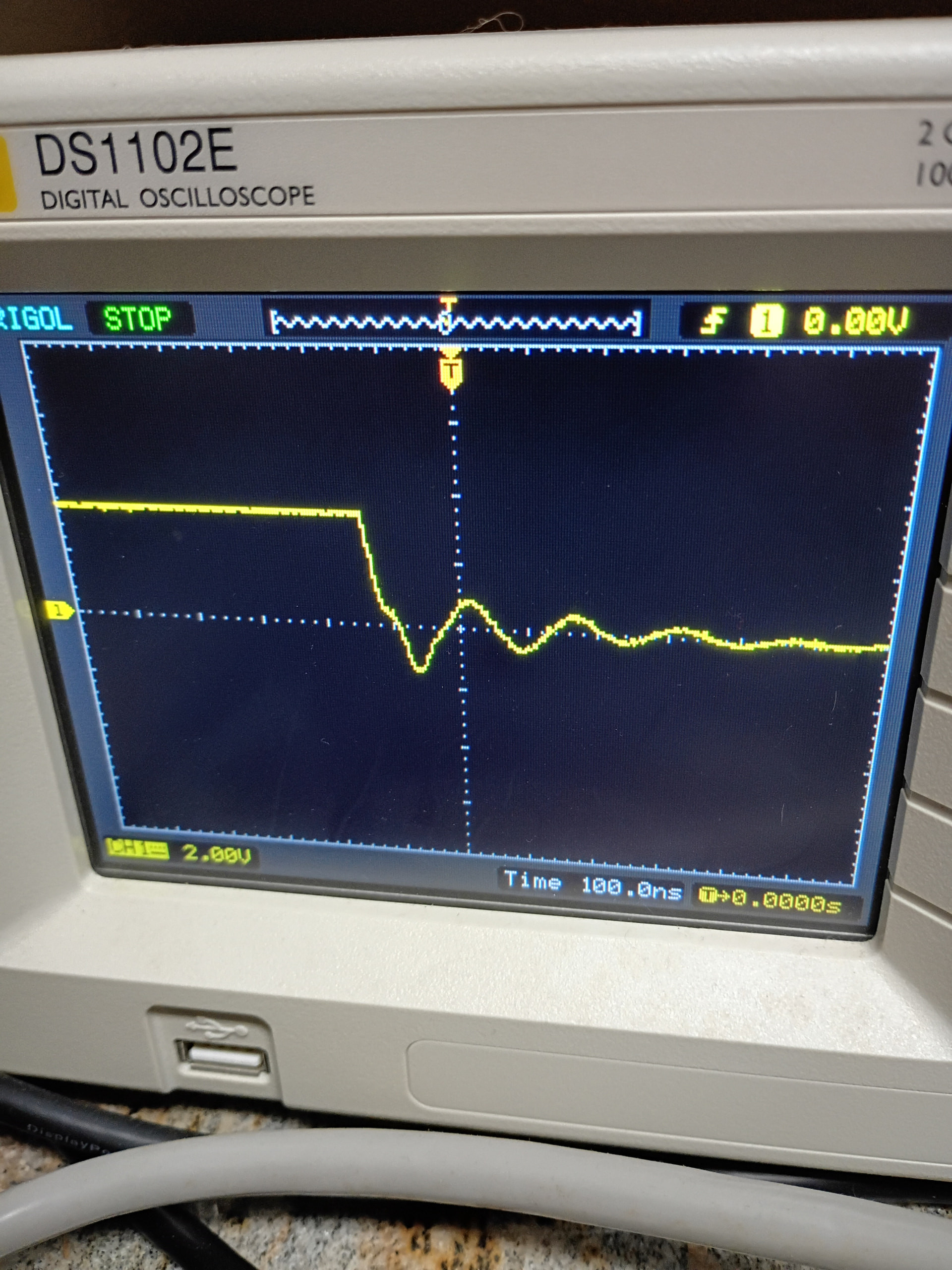
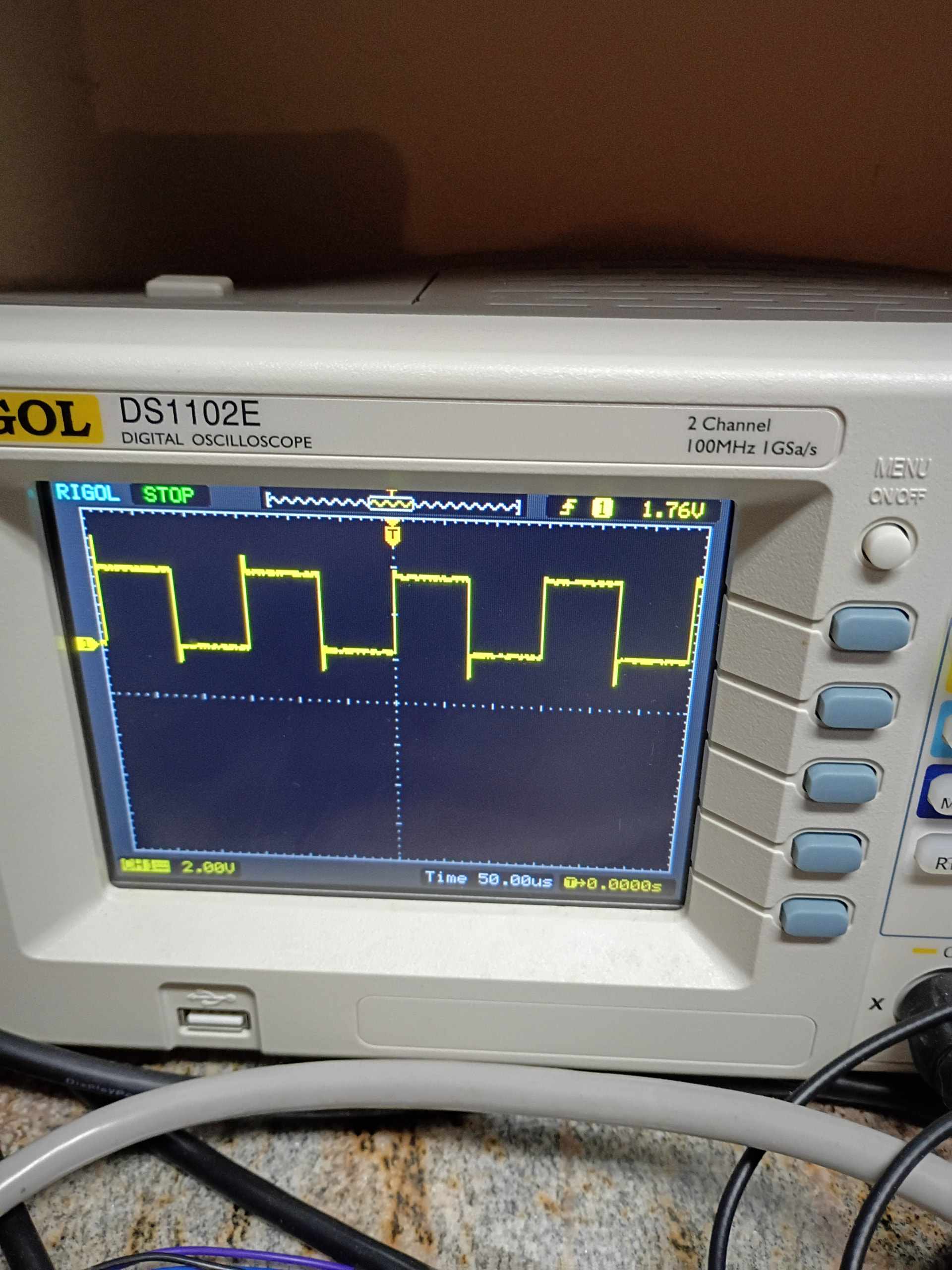
Anyway, I want to show what is happening on the pin in question: P9_42 and I think it is /dev/bone/pwm/1/a/*. I cannot be sure as of now. Completely guessing so far without any real procured data is my way for now. So, off to learn more and read some… But first is now. I will show the photo as I captured it with the following code:
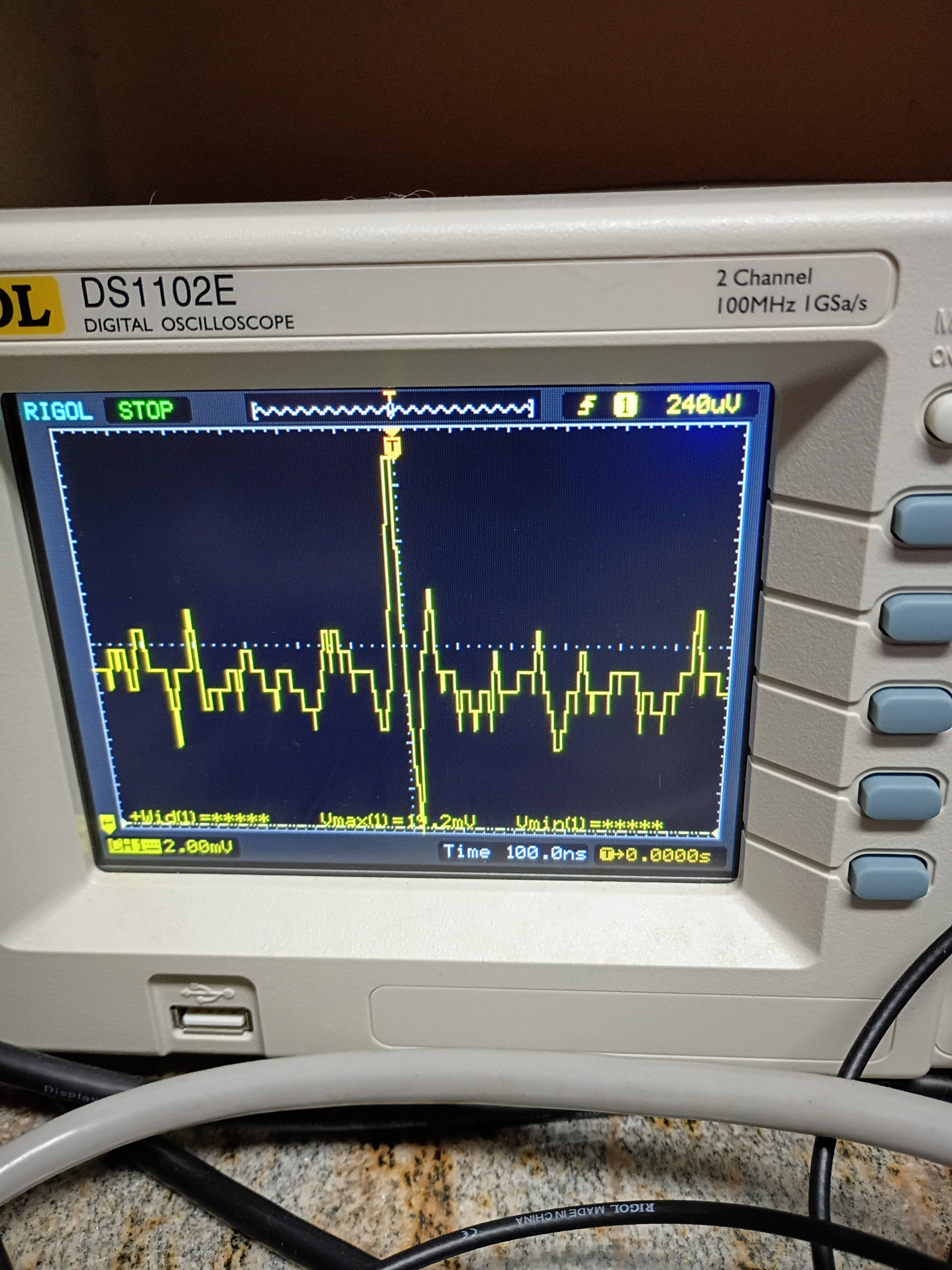
and here is the source code for testing:
#!/usr/bin/python3

"""
This Code uses the:
* Maxbotic LV-EZ2 Ultrasonic Sensor

Tested with the BBBW
This sketch reads the LV-EZ2 by pulse count
Then prints the distance to the console

The circuit:
* 3.3v on the BBBW to LV-EZ2 Pin 7 Vcc
* GND on BBBW to the LV-EZ2 Pin 6 GND
* LV-EZ2 Ultrasonic Sensor PW pin to BBBW P9_14
* LV-EZ2 Sensor PWM usage!
"""

from time import sleep
import sys

PWM_E = "/dev/bone/pwm/1/a/enable"
PWM_D = "/dev/bone/pwm/1/a/duty_cycle"
PWM_P = "/dev/bone/pwm/1/a/period"

PWM_E == "0"
PWM_D == "1000000"
PWM_P == "25000000"

# calculated mode or median distance
mode_result = 0

# storing multiple pulses
# read in time for pin to transition
samples = 9
pulses = (PWM_E == "1", len==samples)

# sensor reads which are in range will be stored here
rangevalue = [0, 0, 0, 0, 0, 0, 0, 0, 0]

# 1s sensor power up pause
sleep(1)


def tof_cm(time_of_flight):
    """
    EZ1 ultrasonic sensor is measuring "time of flight"
    Converts time of flight into distance in centimeters
    """
    convert_to_cm = 58
    cm = time_of_flight / convert_to_cm

    return cm


def tof_inches(time_of_flight):
    """
    EZ1 ultrasonic sensor is measuring "time of flight"
    Converts time of flight into distance in inches
    """
    convert_to_inches = 147
    inches = time_of_flight / convert_to_inches

    return inches


def find_mode(x):
    """
    find the mode (most common value reported)
    will return median (center of sorted list)
    should mode not be found
    """
    n = len(x)

    max_count = 0
    mode = 0
    bimodal = 0
    counter = 0
    index = 0

    while index < (n - 1):
        prev_count = counter
        counter = 0

        while (x[index]) == (x[index + 1]):
            counter += 1
            index += 1

        if (counter > prev_count) and (counter > max_count):
            mode = x[index]
            max_count = counter
            bimodal = 0

        if counter == 0:
            index += 1

        # If the dataset has 2 or more modes.
        if counter == max_count:
            bimodal = 1

        # Return the median if there is no mode.
        if (mode == 0) or (bimodal == 1):
            mode = x[int(n / 2)]

        return mode

try:
    while True:

        # wait between samples
        sleep(0.5)

        if len(pulses) == samples:
            j = 0  # rangevalue array counter

            # only save the values within range
            # range readings take 49mS
            # pulse width is .88mS to 37.5mS
            for i in range(0, samples):
                tof = pulses[i]  # time of flight - PWM HIGH

                if 880 < tof < 37500:
                    if j < len(rangevalue):
                        rangevalue[j] = tof_cm(tof)
                        j += 1

            # clear pulse samples
            pulses.clear()  # clear all values in pulses[]

            # sort samples
            rangevalue = sorted(rangevalue)

            # returns mode or median
            mode_result = int(find_mode(rangevalue))

            # python console prints both centimeter and inches distance
            cm2in = .393701
            mode_result_in = mode_result * cm2in
            print(mode_result, "cm", "\t\t", int(mode_result_in), "in")

            # result must be in char/string format for LCD printing
            # digit_string = str(mode_result)

            sleep(2)
except KeyboardInterrupt:
    print("mode is ", mode_result, "cm... ")
    PWM_E == "0"
    pass
If you see my error, please let me know. I tried maxlen but it seems it is some sort of collections and deque library for now. I thought it was part of Python but I was wrong.