python-periphery and Linux BeagleBone 6.17.5-bone14 on the Beaglebone Black

Hi, this is my first post.

We have an application with BBB and our own proprietary cape. It has been running on Debian Buster IoT for a number of years now. We have been using the adafruit GPIO-BBB driver and have been switching on and off some Hi-side drivers on pin P8-39 through P8-46 with no problems.

I have created an SD Card with the latest version of Debian as above and was unable to install the adafruit driver. So I have installed Python-Periphery which we have working on another SOC Board and it works perfectly fine so a “No Brainer” switching to this on the BBB!!. I have not attached our cape to the Industrial BBB for testing the GPIO Pins as I want to completely isolate it from any other hardware.

Has anybody else tried to use this python-periphery driver only to find it does not work? I have disabled the display pins in uEnv.txt “disable_uboot_overlay_video=1” but to no avail. I can see the pins are being set to output after I run a little test app with gpioinfo. The test Python App just sets the pins to output and writes a value to them. I have connected an LED to the pins to see if they lights up when I run the app, which they don’t.

I have created a simple-gpio overlay to set the pins to output and I am not really sure if I have set that up correctly either. I have never had to use overlays before as everything just worked out of the box previously.

Any advise or suggestion would be greatly appreciated!!.

Regards

Akabob

looking at : python-periphery/README.md at master · vsergeev/python-periphery · GitHub

This is going to be broken in later v6.x’s kernels, as the libgpio inside linux kernel has massively changed in the last year.. (hard coded gpio offset numbers have changed)

Otherwise it’s a cool project, thanks for sharing.. I’d retry with the v5.10.x-ti kernel or maybe the earlier 6.6.x-bone kernel

Regards,

Thank you Robert for your prompt response, I had seen your post earlier about using v5.10.x for those who may not be ready for latest. And you are correct of course about hard coding it always comes back to bite you (the user) when you try to do an upgrade!!!
Regards

Akabob

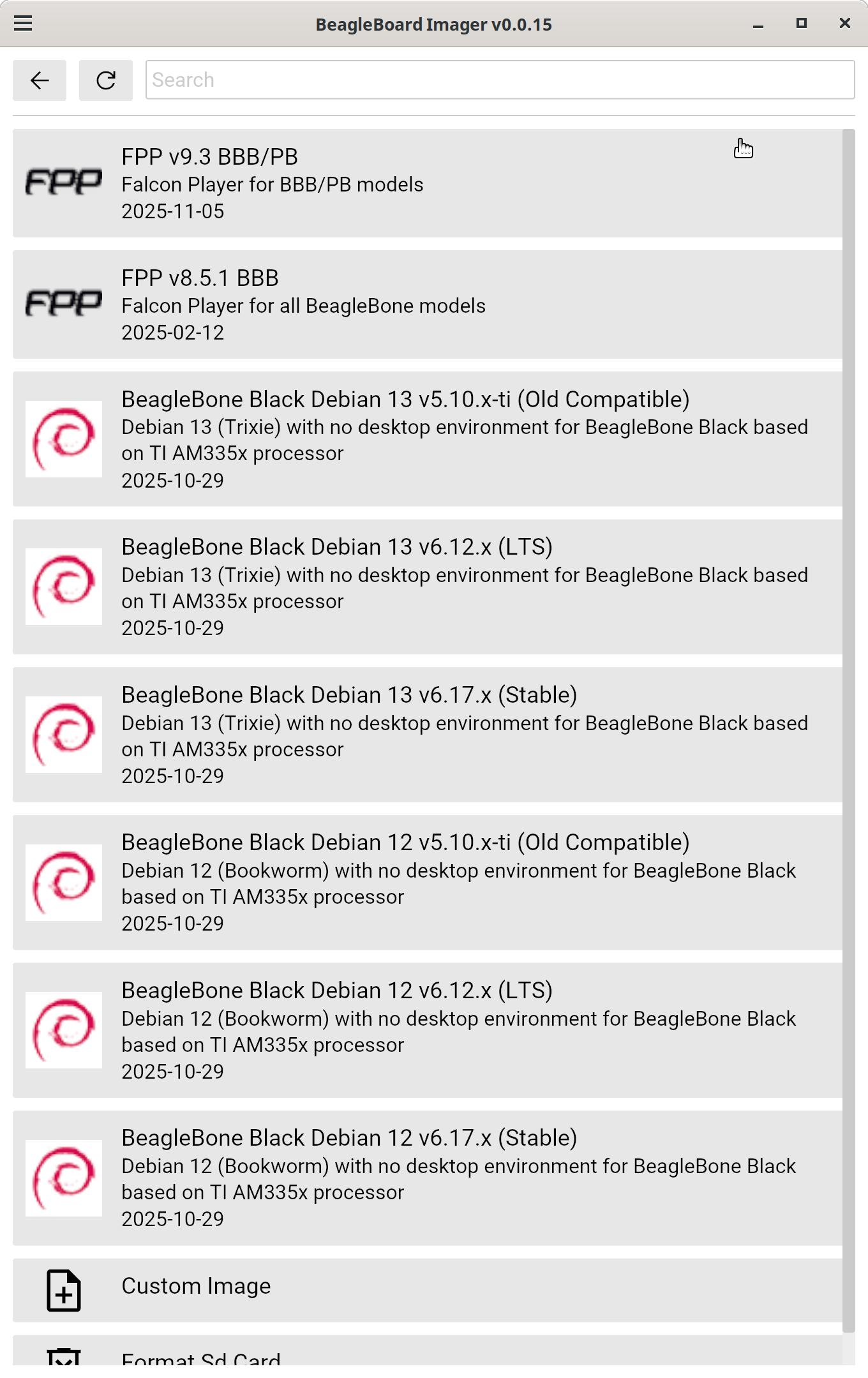
and it’s the reason on am335x, we are showing both Debian 12 and Debian 13 with the old 5.10.x and newer kernels:

bb-imager: BeagleBoard Imager

Regards

At some point 6.6+ will be needed, though. Is this a correct summary what has happened?

Chip Mapping Changes

Kernel 5.10

  • gpiochip0: GPIOs 0-31 (platform/44e07000.gpio)

  • gpiochip1: GPIOs 32-63 (platform/4804c000.gpio)

  • gpiochip2: GPIOs 64-95 (platform/481ac000.gpio)

  • gpiochip3: GPIOs 96-127 (platform/481ae000.gpio)

Kernel 6.12

  • gpiochip0: GPIOs 512-543 (platform/4804c000.gpio) - Was gpiochip1 in 5.10

  • gpiochip1: GPIOs 544-575 (platform/481ac000.gpio) - Was gpiochip2 in 5.10

  • gpiochip2: GPIOs 576-607 (platform/481ae000.gpio) - Was gpiochip3 in 5.10

  • gpiochip3: GPIOs 608-639 (platform/44e07000.gpio) - Was gpiochip0 in 5.10

Key Differences

  1. GPIO Number Offset: Kernel 6.12 adds +480 offset to most GPIO numbers

  2. Chip Reordering: Physical chips are reordered (platform address order changed)

  3. Line Numbers: Remain consistent within each chip across kernel versions

Device Paths: /dev/gpiochipN paths remain the same (0-3) but map to different physical controllers

Has 6.17 something in it that has changed these assignments again? Why is 6.12 kept?

Thank you!

Look at gpio-led device tree overlays as one migration option

you are saying this

&{/} {
leds {
pinctrl-names = “default”;
pinctrl-0 = <&bb_gpio_p9_19_pins>;

	compatible = "gpio-leds";

	pin@919 {
		label = "P9_19";
		gpios = <&gpio0 13 GPIO_ACTIVE_HIGH>;
		default-state = "keep";
	};
};


becomes


&{/} {
	leds {
		pinctrl-names = "default";
		pinctrl-0 = <&bb_gpio_p9_19_pins>;

		compatible = "gpio-leds";

		pin@919 {
			label = "P9_19";
			gpios = <&gpio3 13 GPIO_ACTIVE_HIGH>;
			default-state = "keep";
		};
	};

???

No those are hard coded.. the dynamic gpiochip value exported in Linux is the only change