Recent I am playing with my BBB board via these labs. I’m currently stuck at Bootloader - U-Boot/Setting up networking. I have copied the MLO and u-boot.img to SD card and it booted sucessfully to the u-boot prompt.
From BBB side, I did the exact steps as in the lab setup instruction:
=> setenv ipaddr 192.168.0.100
=> setenv serverip 192.168.0.1
=> setenv ethprime usb_ether
=> setenv usbnet_devaddr f8:dc:7a:00:00:02
=> setenv usbnet_hostaddr f8:dc:7a:00:00:01
=> saveenv
Then, I sent ping 192.168.0.1 as it suggested to set up networking on host side.
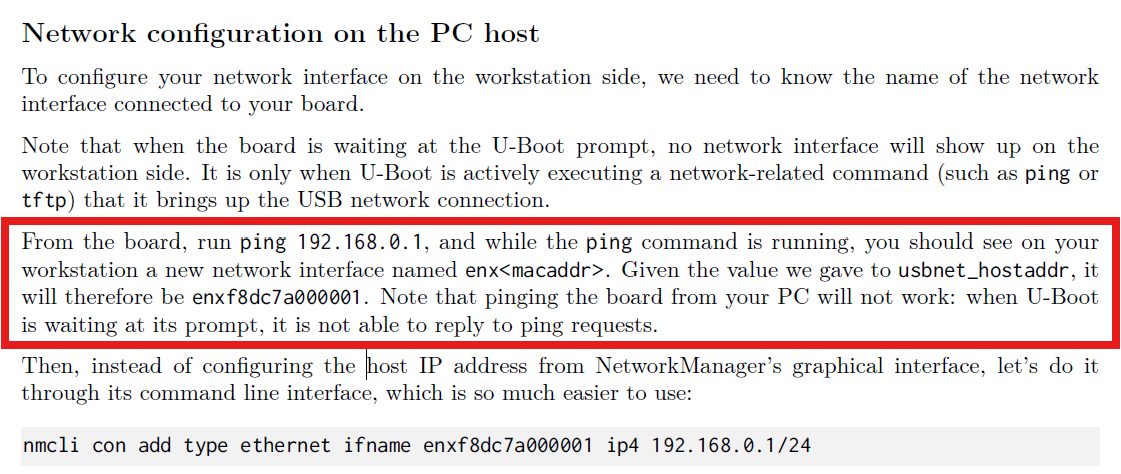
However, this ping didn’t work and gave the following error:
U-Boot SPL 2024.04 (Oct 05 2025 - 19:57:26 +0700)
Trying to boot from MMC1 U-Boot 2024.04 (Oct 05 2025 - 19:57:26 +0700)
CPU : AM335X-GP rev 2.1
Model: TI AM335x BeagleBone Black
DRAM: 512 MiB
Core: 160 devices, 18 uclasses, devicetree: separate
WDT: Started wdt@44e35000 with servicing every 1000ms (60s timeout)
NAND: 0 MiB
MMC: OMAP SD/MMC: 0, OMAP SD/MMC: 1
Loading Environment from FAT... OK
Net: using musb-hdrc, OUT ep1out IN ep1in STATUS ep2in
MAC f8:dc:7a:00:00:02
HOST MAC f8:dc:7a:00:00:01
RNDIS ready
Warning: usb_ether MAC addresses don't match:
Address in DT is f8:dc:7a:00:00:02
Address in environment is de:ad:be:ef:00:01
eth2: ethernet@4a100000, eth3: usb_ether [PRIME]
Hit any key to stop autoboot: 0
=> usb start
starting USB... Bus usb@47401800: Port not available.
=> setenv ipaddr 192.168.0.100
=> setenv serverip 192.168.0.1
=> setenv ethprime usb_ether
=> setenv usbnet_devaddr f8:dc:7a:00:00:02
=> setenv usbnet_hostaddr f8:dc:7a:00:00:01
=> saveenv
=> ping 192.168.0.1
musb-hdrc: peripheral reset irq lost!
ethernet@4a100000 Waiting for PHY auto negotiation to complete......... TIMEOUT !
ping failed; host 192.168.0.1 is not alive
Could this be because I’m using VMWare instead of actual Ubuntu machine? Because in “Removeable device”, there is nothing that indicates the BBB board after booting to u-boot prompt.
USB is enabled in u-boot’s menuconfig by default. I have also changed USB controller compatibility in VMWare to 2.0 to make it compatible with musb-hdrc but still no difference. I’m still suspecting this is due to VMWare and I’m trying to do this again on a native Ubuntu machine.
Any help from the community is much appreciated!!!