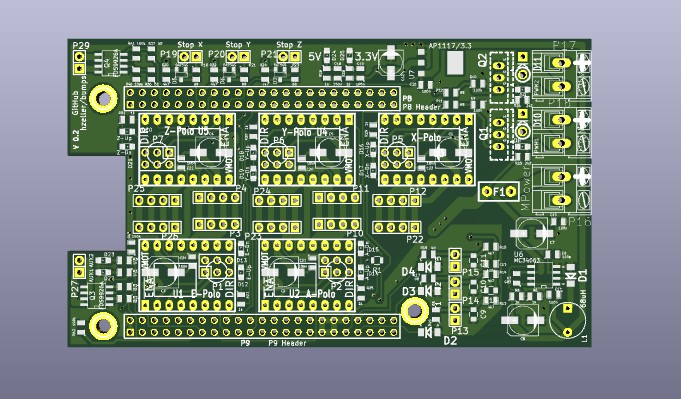
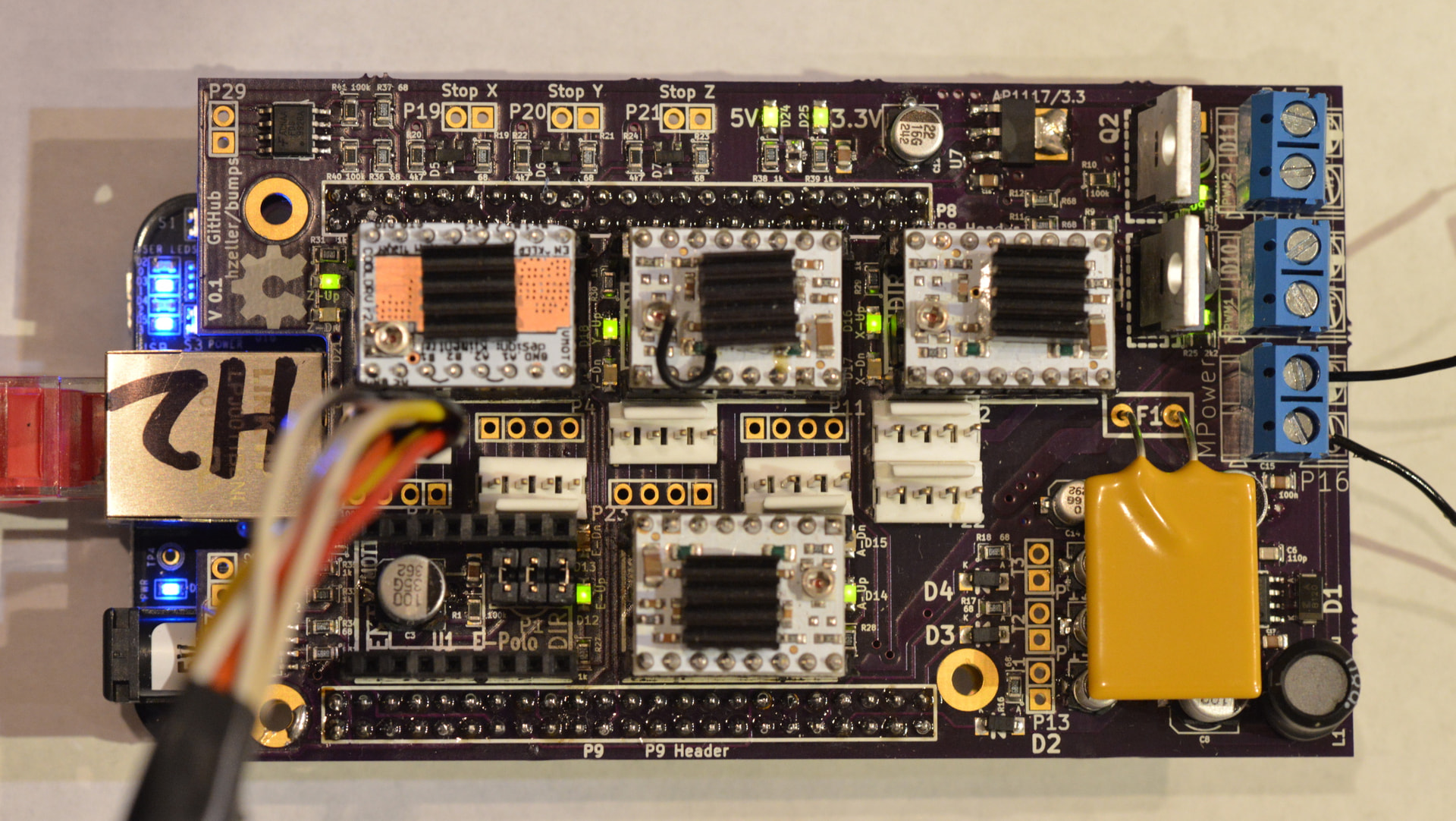
cat kicad-scripts/kicad-fab.py
#!/usr/bin/python3

'''
    Based on gen_gerber_and_drill_files_board.py in kicad/demos directory.
'''

import sys
import os

# Example path for KiCad 8 on Windows
kicad_python_path = "."

if os.path.exists(kicad_python_path):
    sys.path.append(kicad_python_path)
else:
    raise FileNotFoundError(f"KiCad Python path not found: {kicad_python_path}")
import pcbnew


filename=sys.argv[1]

board = pcbnew.LoadBoard(filename)

plotDir = "plot/"

pctl = PLOT_CONTROLLER(board)

popt = pctl.GetPlotOptions()

popt.SetOutputDirectory(plotDir)

# Set some important plot options:
popt.SetPlotFrameRef(False)
popt.SetLineWidth(FromMM(0.35))

popt.SetAutoScale(False)
popt.SetScale(1)
popt.SetMirror(False)
popt.SetUseGerberAttributes(True)
popt.SetUseGerberProtelExtensions(True)
popt.SetExcludeEdgeLayer(True);
popt.SetScale(1)
popt.SetUseAuxOrigin(True)

# This by gerbers only (also the name is truly horrid!)
popt.SetSubtractMaskFromSilk(False)

# param 0 is the layer ID
# param 1 is a string added to the file base name to identify the drawing
# param 2 is a comment
# Create filenames in a way that if they are sorted alphabetically, they
# are shown in exactly the layering the board would look like. So
#   gerbv *
# just makes sense.
plot_plan = [
    ( Edge_Cuts, "0-EdgeCuts",    "Edges" ),

    ( F_Paste,   "1-PasteTop",    "Paste top" ),
    ( F_SilkS,   "2-SilkTop",     "Silk top" ),
    ( F_Mask,    "3-MaskTop",     "Mask top" ),
    ( F_Cu,      "4-CuTop",       "Top layer" ),

    ( B_Cu,      "5-CuBottom",    "Bottom layer" ),
    ( B_Mask,    "6-MaskBottom",  "Mask bottom" ),
    ( B_SilkS,   "7-SilkBottom",  "Silk top" ),
    ( B_Paste,   "8-PasteBottom", "Paste Bottom" ),
]


for layer_info in plot_plan:
    pctl.SetLayer(layer_info[0])
    pctl.OpenPlotfile(layer_info[1], PLOT_FORMAT_GERBER, layer_info[2])
    pctl.PlotLayer()

# At the end you have to close the last plot, otherwise you don't know when
# the object will be recycled!
pctl.ClosePlot()

# Fabricators need drill files.
# sometimes a drill map file is asked (for verification purpose)
drlwriter = EXCELLON_WRITER( board )
drlwriter.SetMapFileFormat( PLOT_FORMAT_PDF )

mirror = False
minimalHeader = False
offset = wxPoint(0,0)
mergeNPTH = False
drlwriter.SetOptions( mirror, minimalHeader, offset, mergeNPTH )

metricFmt = True
drlwriter.SetFormat( metricFmt )

genDrl = True
genMap = True
drlwriter.CreateDrillandMapFilesSet( plotDir, genDrl, genMap );
That file when done correctly, in a virtual environment, should create the Makefile to produce but errors out on some simple understandings that I cannot grasp right now (for whatever reason).
Anyway, if you are a python3 scripter and know your way around Kicad and pcbnew, please join on in. Oh, here are the error(s) from the above file:
make
sed "s/%%gitversion%%/`git log --date=short --pretty=format:'%h@%cd' -n 1`/" < bumps.kicad_pcb > bumps-fab.kicad_pcb
python3 kicad-scripts/kicad-fab.py bumps-fab.kicad_pcb
20:34:12: Warning: Legacy zone fill strategy is not supported anymore.
Zone fills will be converted on best-effort basis.
Traceback (most recent call last):
  File "/home/lertl/bumps/kicad-scripts/kicad-fab.py", line 27, in <module>
    pctl = PLOT_CONTROLLER(board)
           ^^^^^^^^^^^^^^^
NameError: name 'PLOT_CONTROLLER' is not defined
make: *** [kicad-scripts/makefile.inc:4: bumps-fab.zip] Error 1
rm bumps-fab.kicad_pcb
Okay. All for now. I see the error and I cannot find a workaround for now.